
Manage roles at Settings → User Management → Roles. Viewing this page requires the Can view Permission Group permission and a plan that includes role management.
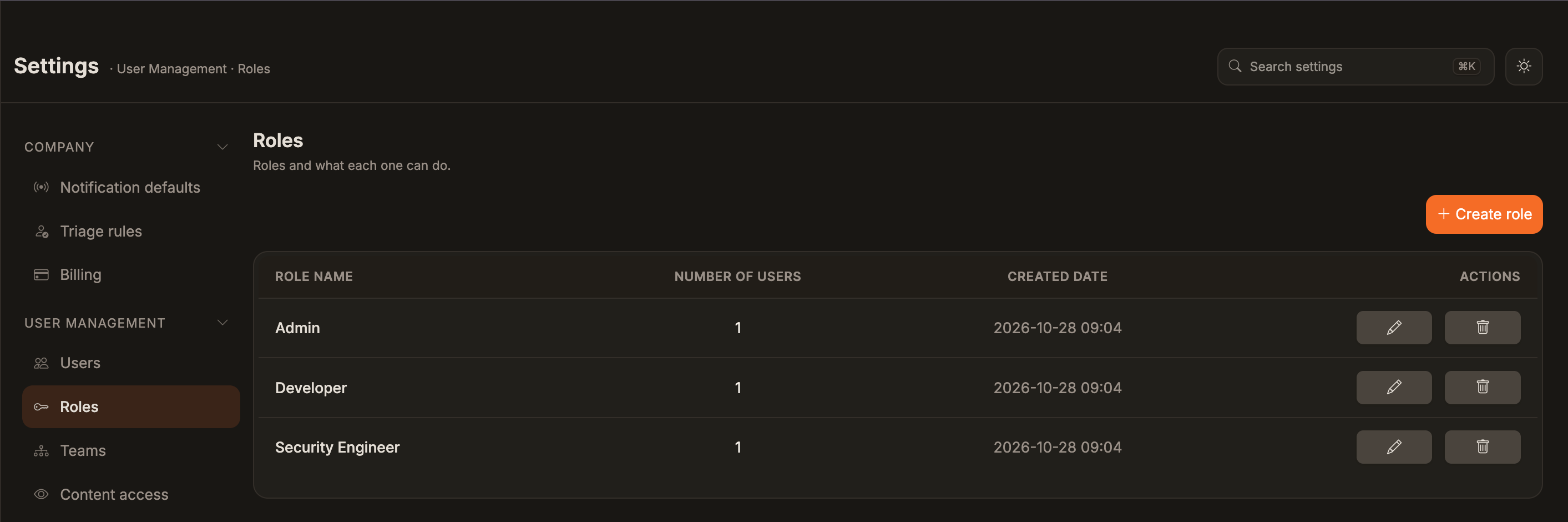
What are Role-Based Permissions?
Role-based permissions (also known as Role-Based Access Control or RBAC) is a security model that restricts system access based on a user’s role within an organization. Instead of assigning permissions to individual users, permissions are assigned to roles, and users are then assigned to appropriate roles based on their job functions.Key Benefits
- Simplified Management: Assign permissions once to a role, then add users to that role rather than managing permissions for each individual user
- Consistency: Ensures all users with the same role have identical access rights
- Scalability: Easy to onboard new team members by assigning them to pre-configured roles
- Security: Follows the principle of least privilege by granting only the permissions necessary for each role
- Audit & Compliance: Simplifies access reviews and compliance reporting by organizing permissions around job functions
How It Works in Corgea
In Corgea, you create roles that correspond to job functions in your organization (e.g., Admin, Developer, Security Manager). Each role is assigned a specific set of permissions that define what actions those users can perform. Users are then added to one or more roles, inheriting all permissions from those roles.Permissions are additive - if a user belongs to multiple roles, they receive all permissions from all roles they are a member of.
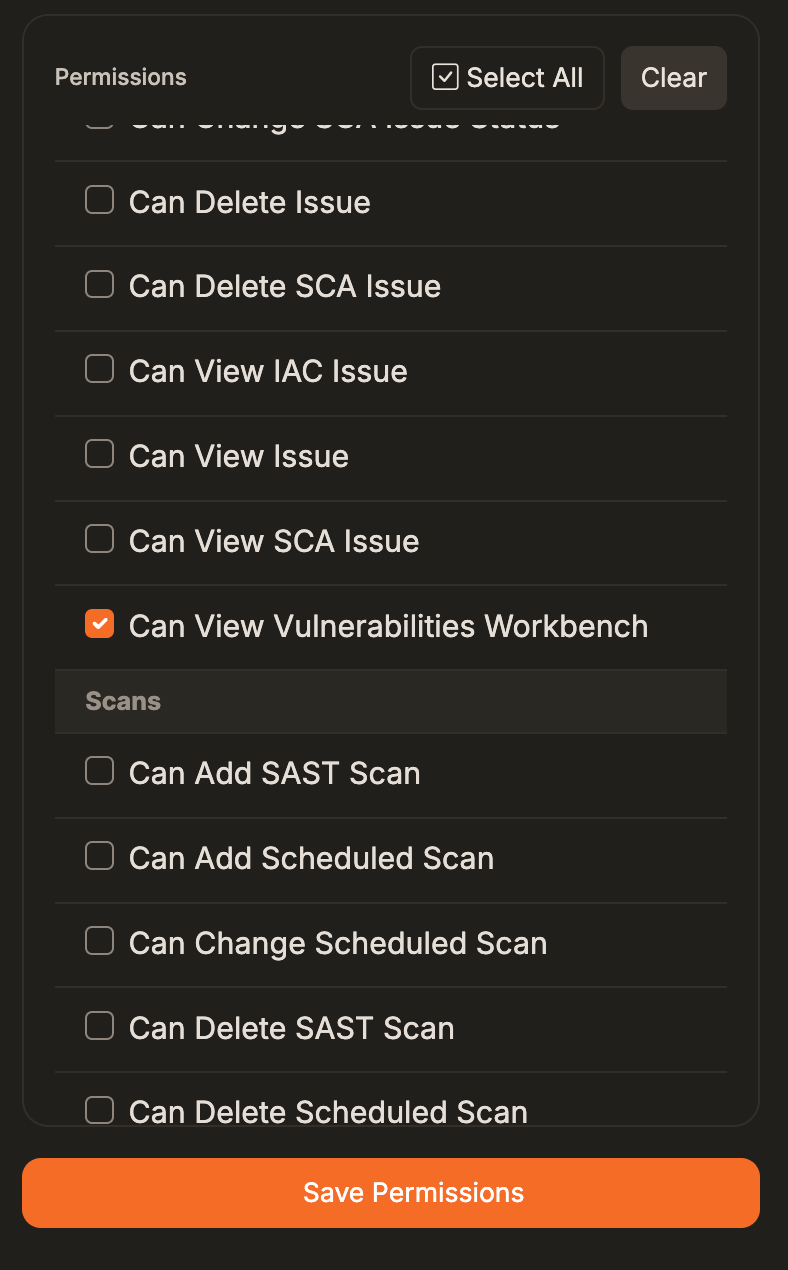
Role-Based Permission Recommendations
Based on the permissions defined in the Corgea platform, here’s a recommended permission matrix for different roles.Role Descriptions
Admin
Full system access - can manage all aspects of the platform including company settings, users, permissions, and all security features.
Development Manager
Can manage development teams, users, projects, and view all security issues. Can initiate scans and manage team assignments but cannot modify security policies.
Developer
Read access to issues, scans, policies, and teams. Can initiate scans for their projects but has limited management capabilities. Focus on viewing and understanding security issues in their code.
DevOps
Operational focus with full control over integrations, scheduled scans, agent settings, and PR automation rules. Can manage scans and view issues but cannot modify security policies or delete issues.
Security Manager
Comprehensive security management including all policy controls, SLAs, blocking rules, and user/team management. Cannot delete roles or modify company settings.
Security Engineer
Hands-on security role with full control over security issues, policies, scans, and agent settings. Focus on day-to-day security operations but without user/team management responsibilities.
Roles Overview
The following are suggested roles to set up. Corgea comes with the Admin role out of the box.Best Practices
- Permission Assignment
- Security Considerations
- Troubleshooting
1
Identify User Roles
Determine the specific roles and responsibilities within your organization (e.g., Security Analyst, Developer, Manager).
2
Map Permissions to Roles
Assign only the minimum required permissions for each role to follow the principle of least privilege.
3
Create Roles
Create roles that correspond to organizational job functions and assign the appropriate permissions.
4
Assign Users to Roles
Add users to the appropriate roles based on their job function and responsibilities.